PDF Splitter

Split PDF into multiple files, by page ranges or extract every page into a separate file

Splitting a large PDF into smaller files makes it easier to send, upload, and manage the document, as smaller file sizes generally transfer faster and are less cumbersome to work with, especially when dealing with email attachments or online platforms with file size limitations. In short, it allows you to send only the relevant sections of a large document instead of the whole thing at once.

Available for a fully functional 30 days trial.

Product Summary

  • Convert different types of documents into PDF quickly from Windows Explorer.
  • Support conversion of 120 or more file types into PDF.
  • Convert compressed ZIP, Multi-page TIFF into PDF.
  • Save MSG, MBOX or EML email files with their attachments into PDF.
  • Embed files as attachments in their original format in PDF Portfolio or extract existing ones.
  • Combine Multiple documents and file types into One PDF file.
  • Append files of different types and formats to an existing PDF.
  • Set security restrictions to PDF files e.g., ability to edit or print.
  • Secure PDF documents by setting a user password for viewing.
  • Apply watermark image, text or stamp bates to PDF (i.e., logo or name).
  • Add table of contents or bookmarks in One PDF file for easy navigation.
  • Add page numberheader and footer information in PDF such as copyright or disclaimer information.
  • Use Optical Character Recognition (OCR) to convert images with text into machine-encoded text and save to PDF, Word document (DOCX) or text files.
  • Support file formats for OCR – JPG, PNG, GIF, BMP, TIFF and PDF.
  • Split PDF document into multiple smaller files
  • Reorganize PDF pages – insert, extract, remove, rotate, replace pages.
  • Convert PDF to Microsoft Word Document
  • Convert PDF to text or html documents
  • Rasterize and convert PDF pages to images
  • Extract embedded and inline images from PDF
  • View your PDF documents in a quick and non-obstructive interface.
  • Convert multiple files or folders including nested subfolders into PDF in batch mode.
  • Seamless integration with Windows Explorer Shell Interface.
  • Works with Windows Vista, 7, 8, 8.1, 10, 11, Server 2012 and Higher (32-bit and 64-bit).
  • Convert documents to PDF/A standard for archiving and long-term preservation.
  • Watch folders and convert documents to PDF files automatically.

How It Works

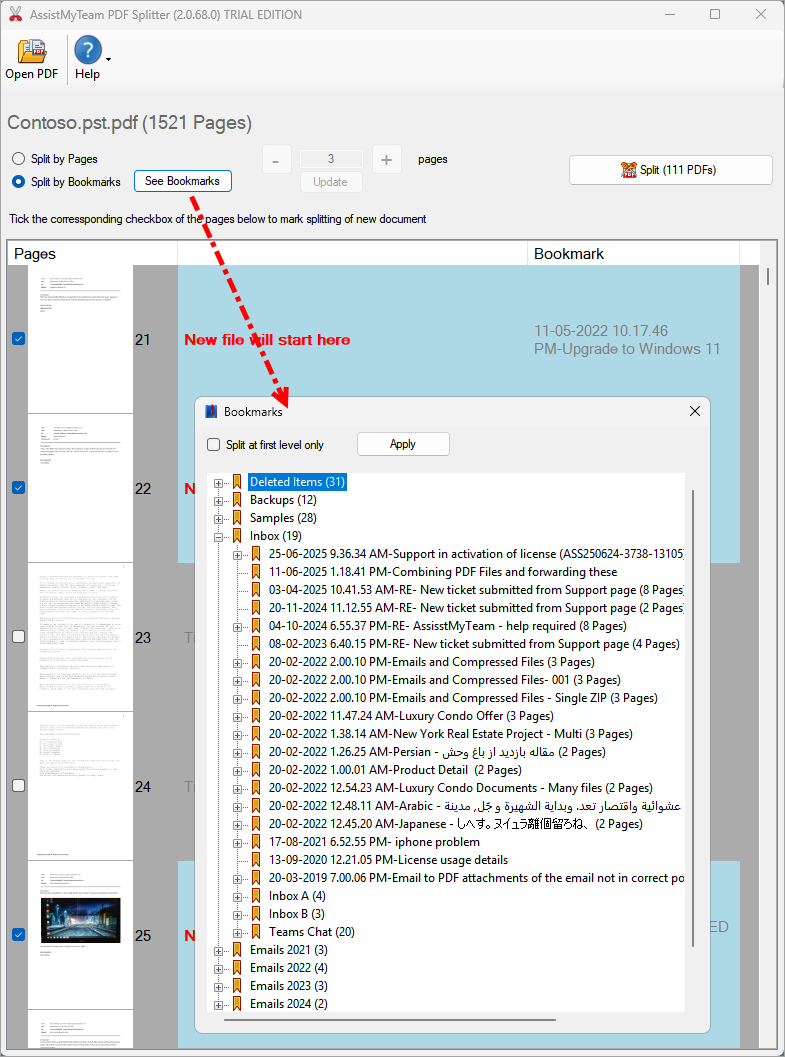
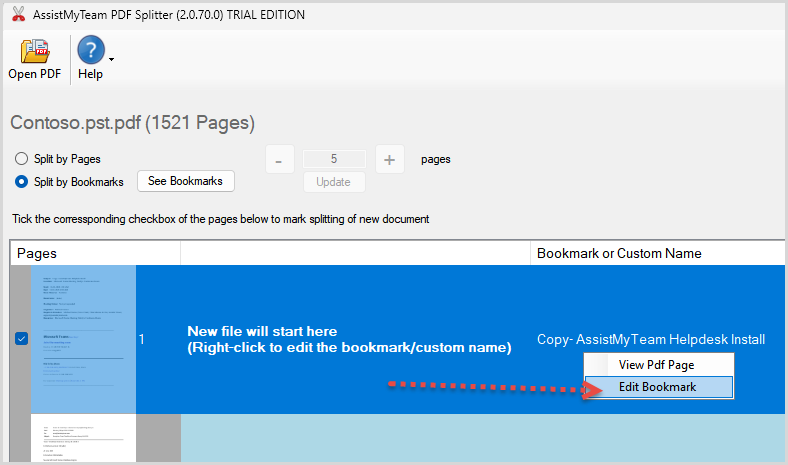
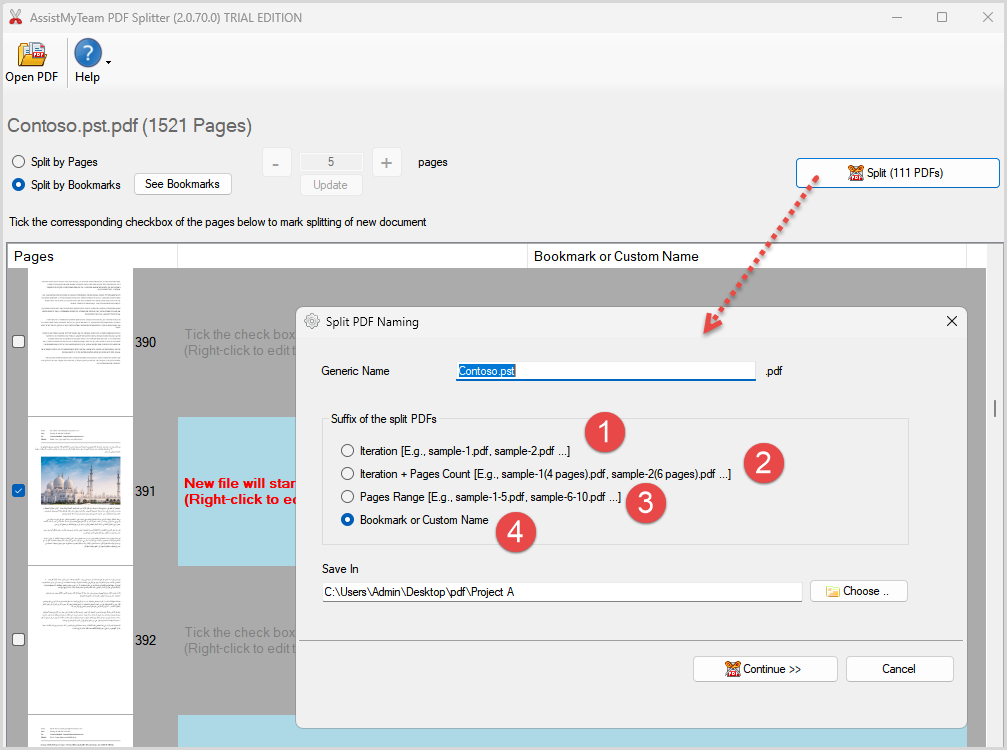
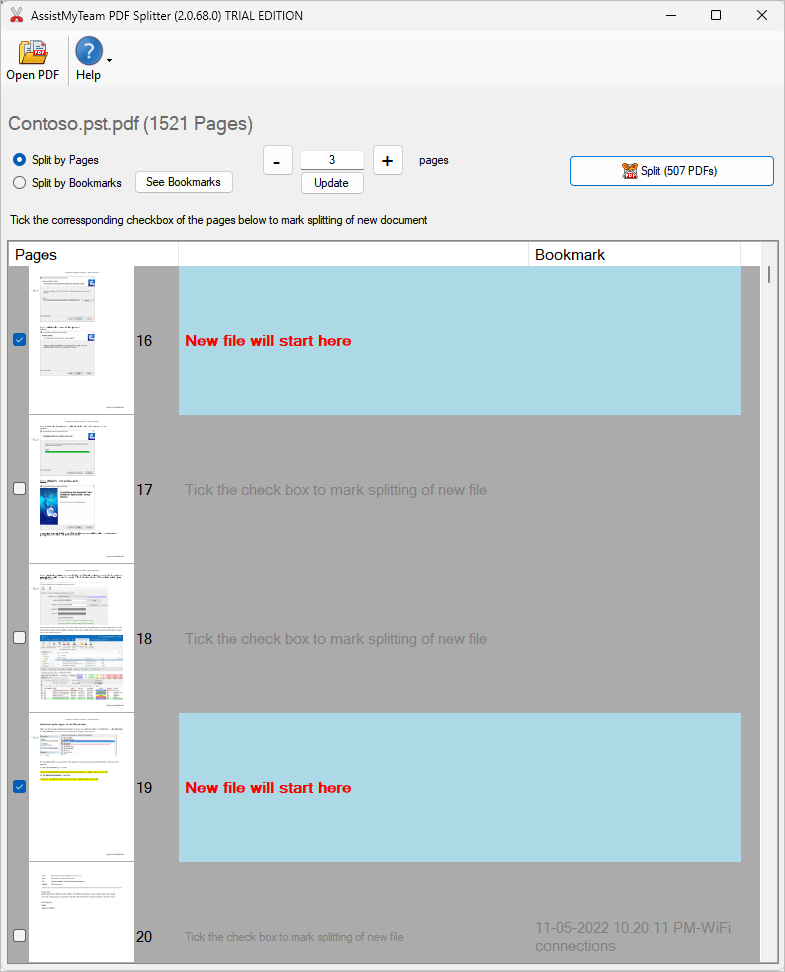
When you split a PDF with this tool, you get a preview of the pages you want to split. This makes it easy to specify the splitting point in the pages from your original document before splitting and saving them to new PDF files. 
 
 
You can choose to split the PDF document into ‘X’ number of smaller files, with ‘X’ equal number of pages or by bookmarks (if they exist). If the latter option is chosen, you can force to split the PDF by accounting only the first level bookmarks (and ignoring any child bookmarks).