Often you may have the need to club together or consolidate multiple emails or files from different accounts or folders into a single PDF document. Typically, one would convert the individual email or file to own PDF file and then merge these PDF files together into one file. This is a time consuming and cumbersome process. To make this much simpler and easier, you can drag and drop those emails or files of interest, from your email or file folder to the basket control.
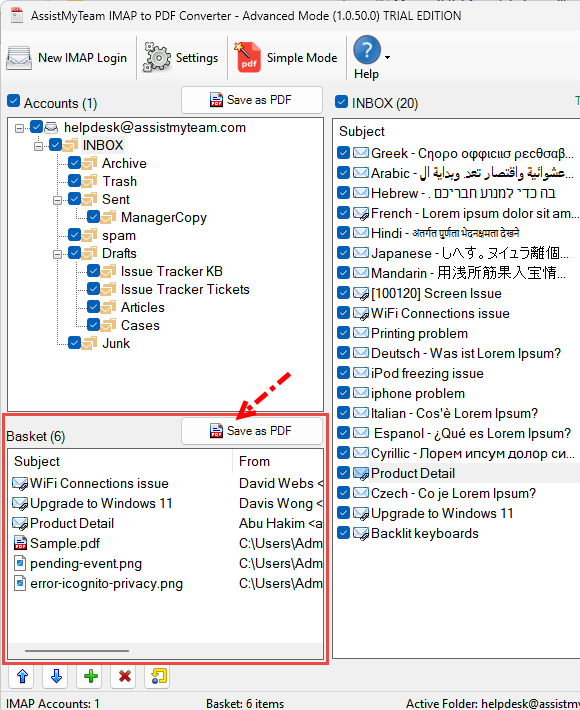
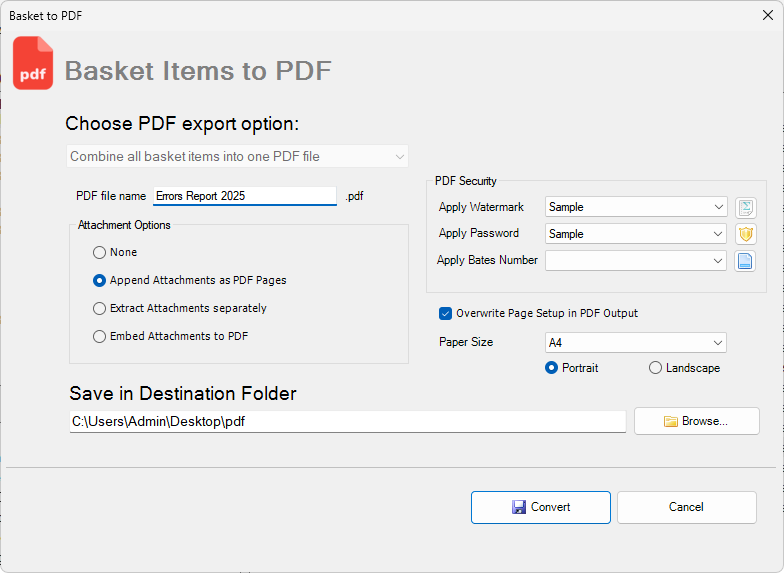
As you build up the emails/files on the basket and once you have them all, you can then combine them all into one PDF file.
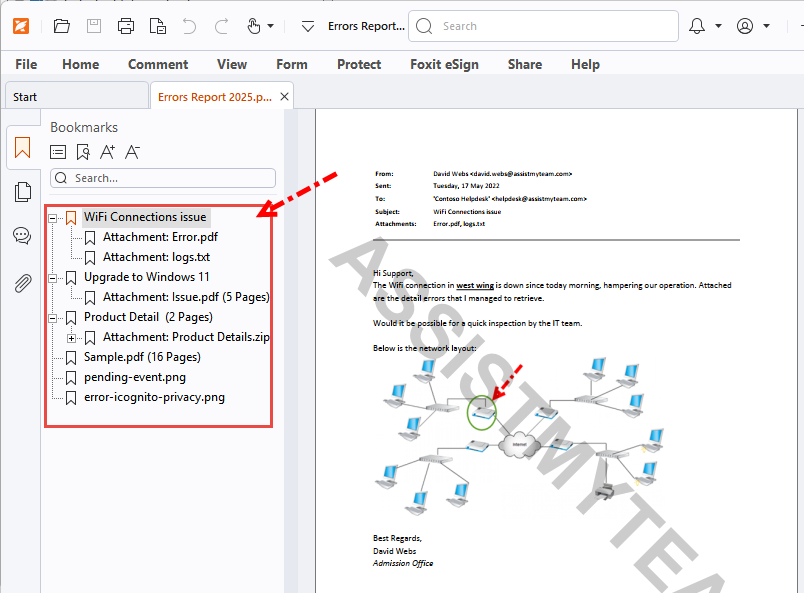
And this is how the generated PDF looks like in PDF Reader software. Notice the emails and file are combined in the same order/sequence as in the basket list of the IMAP to PDF Converter app.