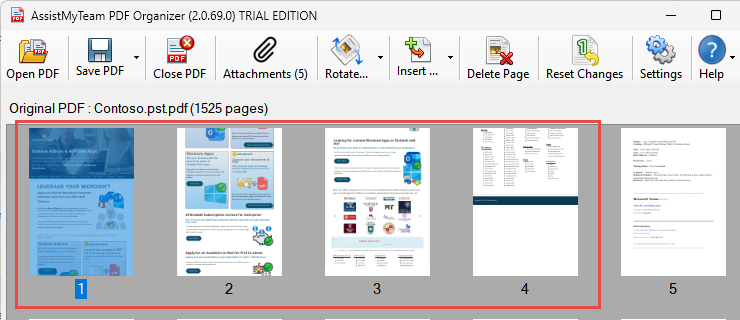
You can insert webpages into your PDF document, and the app will automatically retrieve and convert the webpages seamlessly to PDF pages, before inserting into your PDF document. From ‘Insert’ drop down, select ‘Pages from Web URL’.
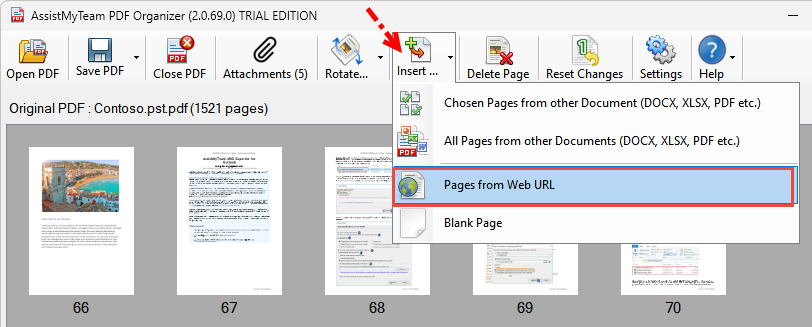
Enter the URL of your webpage. Before clicking ‘Insert’ button, customize the page size, orientation and the desired insertion point in the original PDF document. For instance, you can choose to insert the web pages in the beginning (first page), or in the end (last page), or in the currently highlighted page (thumbnail), or at a custom page number (by choosing from a drop-down) of the original PDF document.
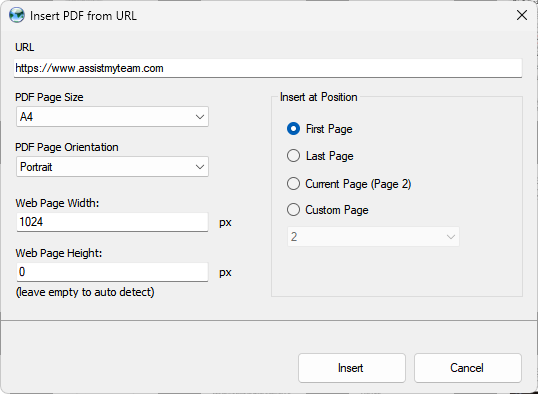
The processed webpages of the specified URL are then inserted into the page location on the original PDF document (e.g., First page).