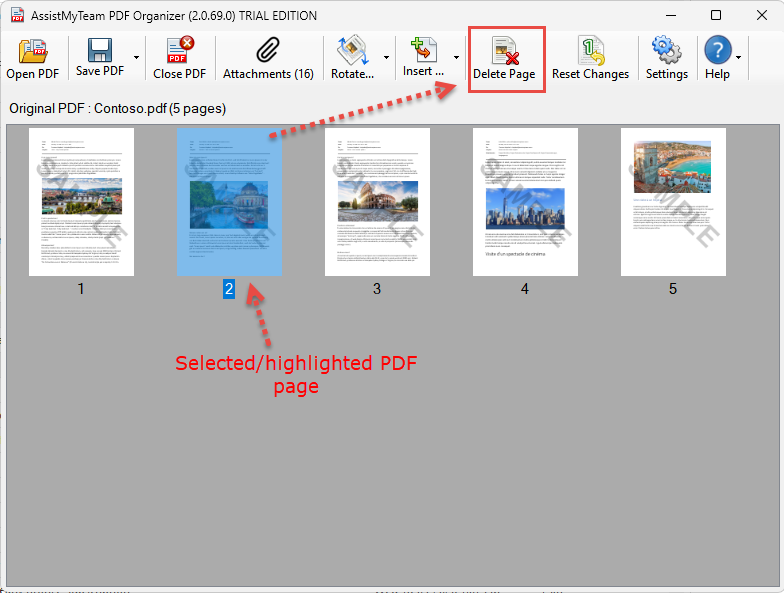
To delete the selected/highlighted pages from the original PDF document, click the ‘Delete page’ button located in the toolbar. Alternatively, you can press ‘Delete’ key from your keyboard.
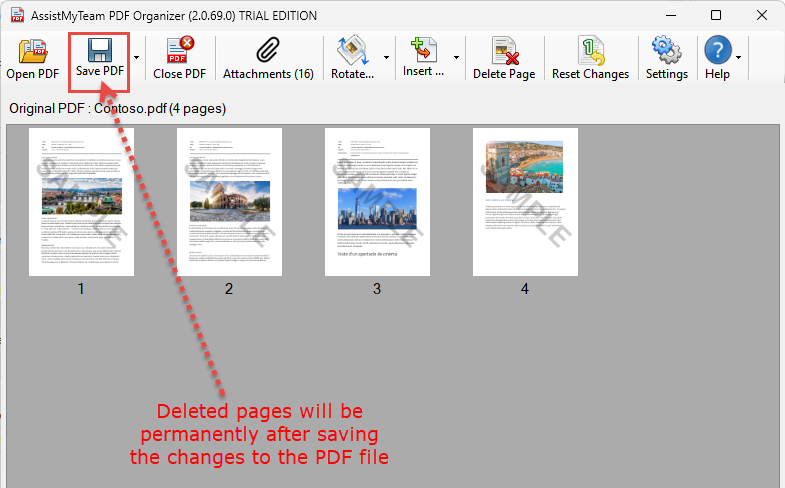
NOTE: The page deletion from the original PDF document is only in the memory until you save the changes made by clicking the ‘Save PDF’ button (in which case, the changes are written to the PDF file permanently).