
The AssistMyTeam PDF Organizer makes PDF reordering and rearranging a simple affair. You can move a single page or multiple pages in whatever page order you want. Just select and highlight the page thumbnails and then drag and drop the selected pages into your new desired cursor location.
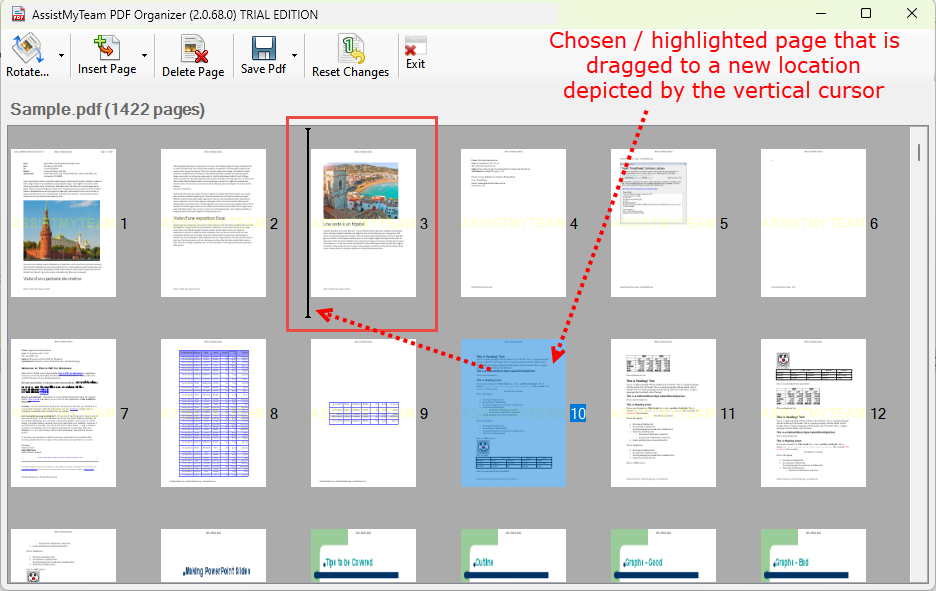
After the highlighted page(s) is/are moved to its new location, the pages of the PDF document will automatically re-arrange the order and sequence of the pages.
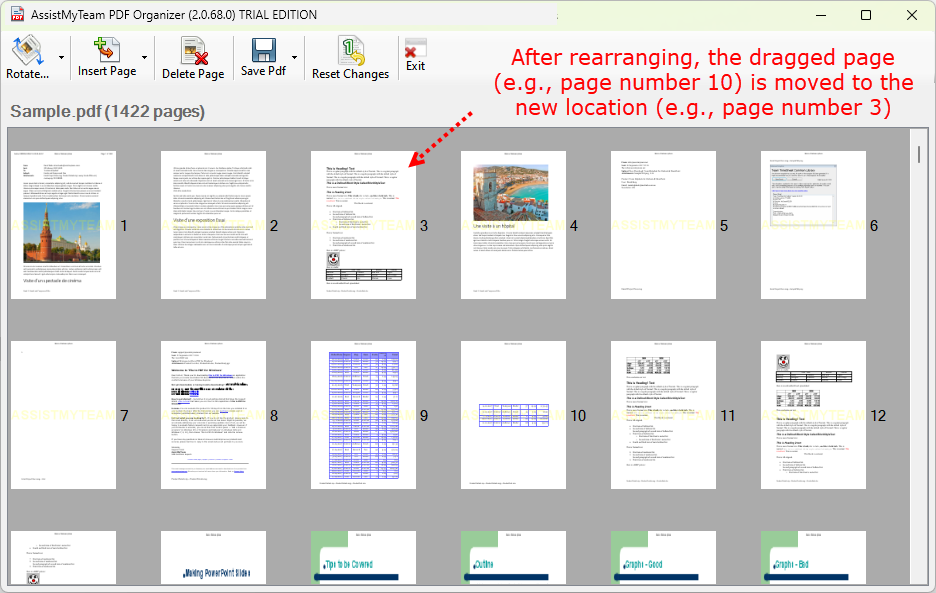
Freely rearrange PDF pages in the order you want so that your documents are better organized. This versatility allows you to customize your PDFs to suit your specific needs.