
< Back
You are here:
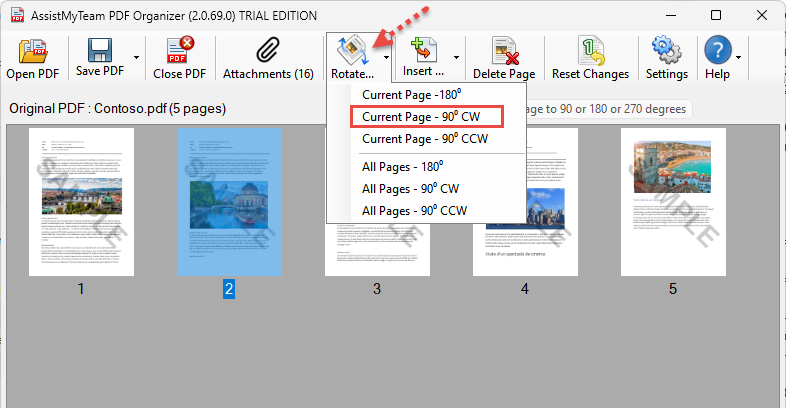
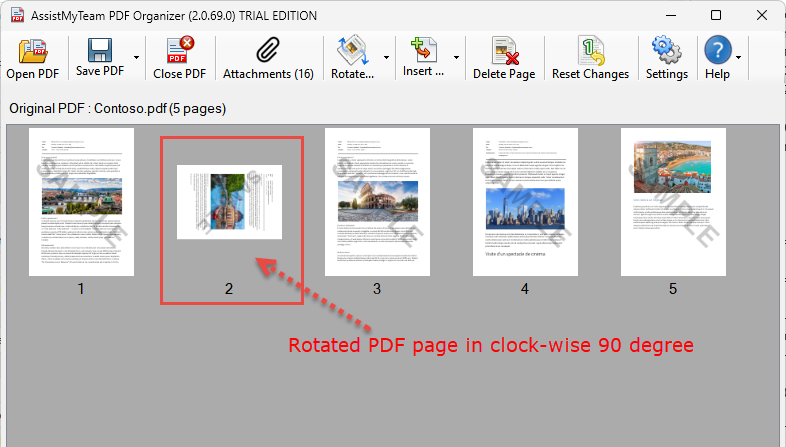
You can rotate the PDF pages to portrait or landscape mode, or to 90, 180 degrees – clockwise (CW) or counter clockwise CCW). Just click the ‘Rotate’ drop down button from the toolbar.
Once you are satisfied with the changes, click on the ‘Save Pdf‘ button to save the modified PDF document.
Don’t forget to watch the video demonstration below on how to rotate pages of your existing PDF directly from your computer, without uploading to cloud service.
Have not tried SharePoint to PDF Converter app yet?
Download and install SharePoint to PDF Converter today, to add the much needed ‘Save As PDF’ feature to your SharePoint site. And start converting SharePoint lists, documents to PDF files or combine into one long PDF file - just in a click!
