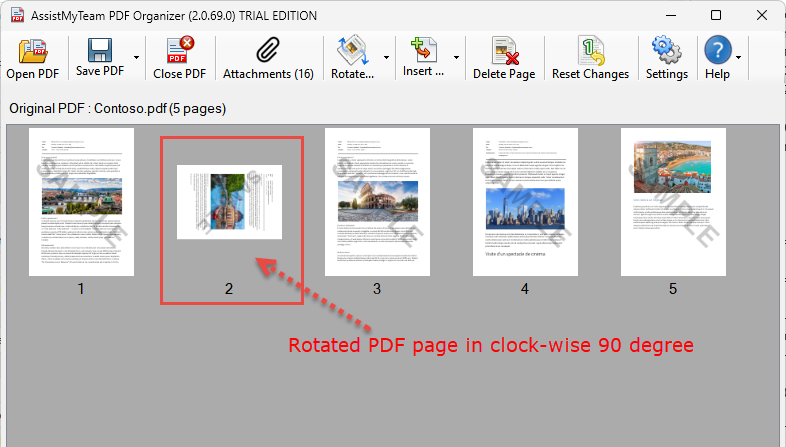
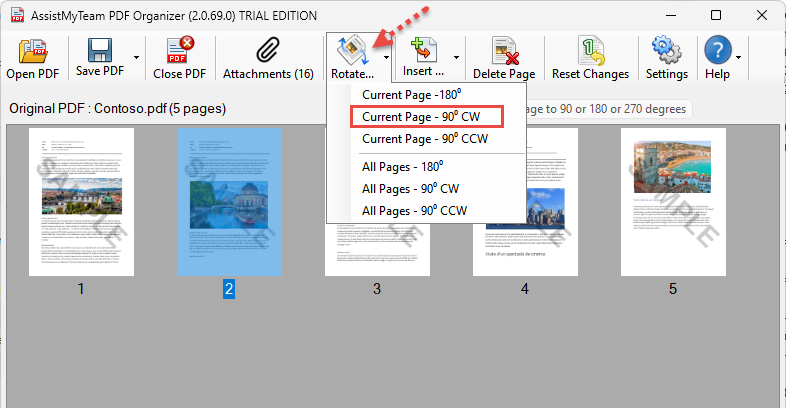
You can rotate the PDF pages to portrait or landscape mode, or to 90, 180 degrees – clockwise (CW) or counter clockwise CCW). Just click the ‘Rotate’ drop down button from the toolbar.
Once you are satisfied with the changes, click on the ‘Save Pdf‘ button to save the modified PDF document.